Creating a Video Ad
In this section we will see how we can create a new Video Ad. Let's begin!
To create a Video Ad using DCS, click Create new Ad on the ads and campaigns listing dashboard.
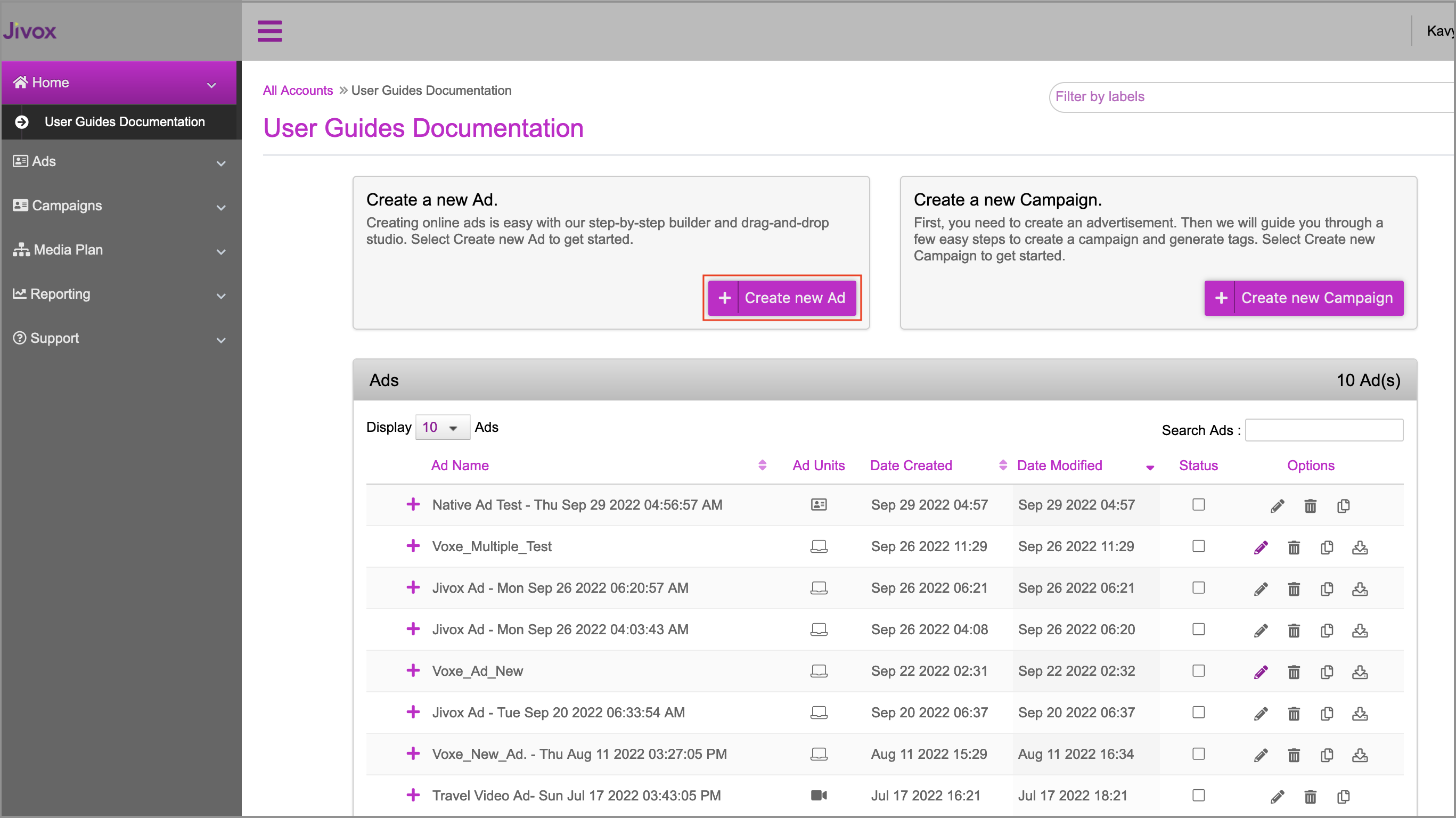
This will take you to the Create Ad page. You can select the appropriate format in which you want to create the Ad. Here, let's select Video on the Create Ad page.
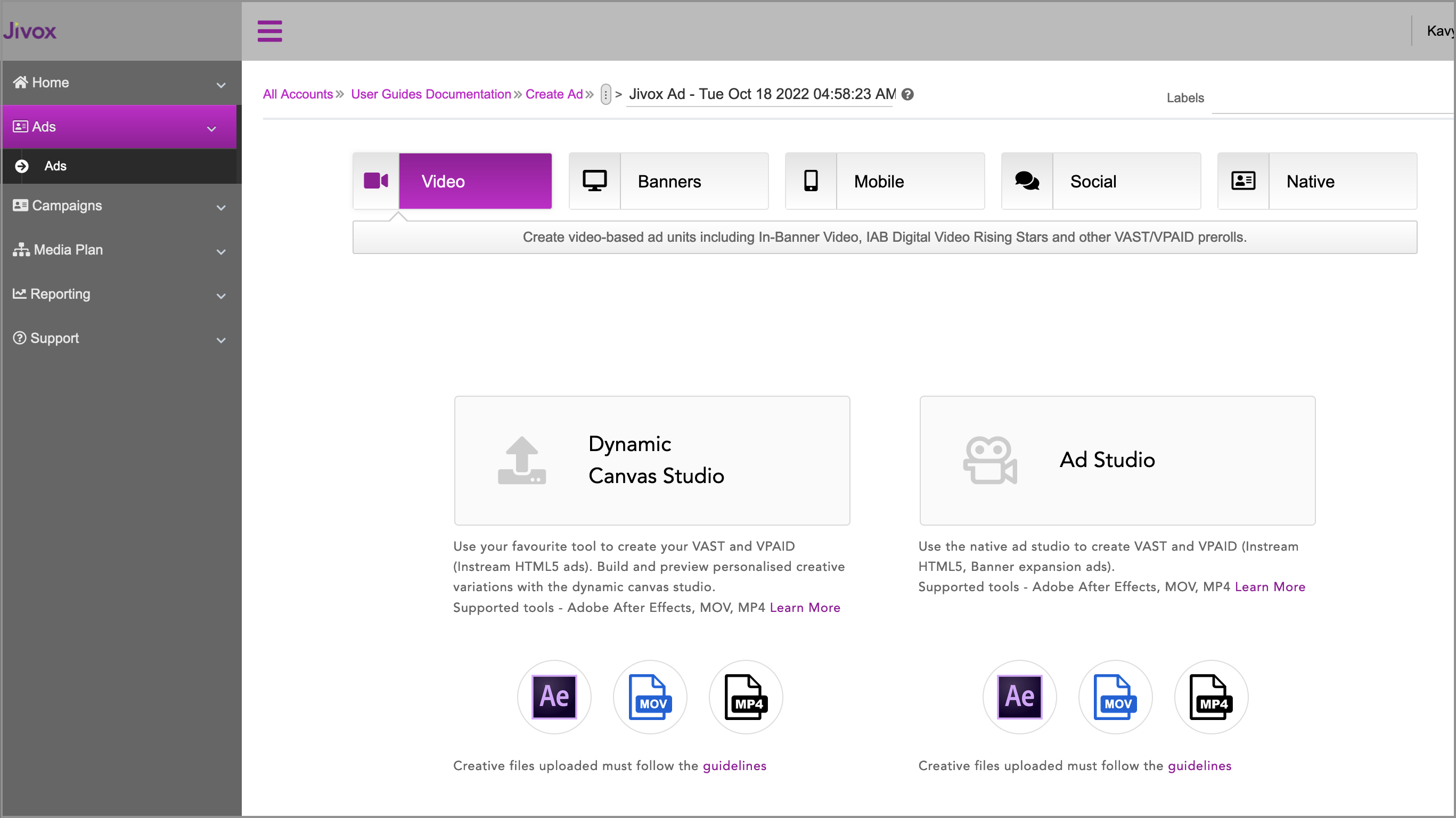
Click the Dynamic Canvas Studio option.
Next Steps
Follow these steps to create an Ad:
Generating Creative Variations - Asset Carousel or File Upload
Last updated on
Next to read:
Uploading the Creative MasterAbout Jivox IQ
About Jivox IQ
HOW TO CREATE DCO READY CREATIVE MASTERS
Getting Started
USING DYNAMIC CANVAS STUDIO
SETTING UP CAMPAIGNS
CAMPAIGN PREVIEWS AND APPROVAL
Generating Tags
Generating Data Pixels
Setting Up a Facebook Campaign
SETTING UP A YOUTUBE CAMPAIGN
Reporting
ADVANCED
USING JIVOX AD STUDIO
SETTING UP A NATIVE CAMPAIGN
Working With QuickStart Packages
SHOPPABLE INTEGRATION
APPENDIX
GLOSSARY