
Here, we'll create e-commerce retargeting pixels using the Data Pixels page.
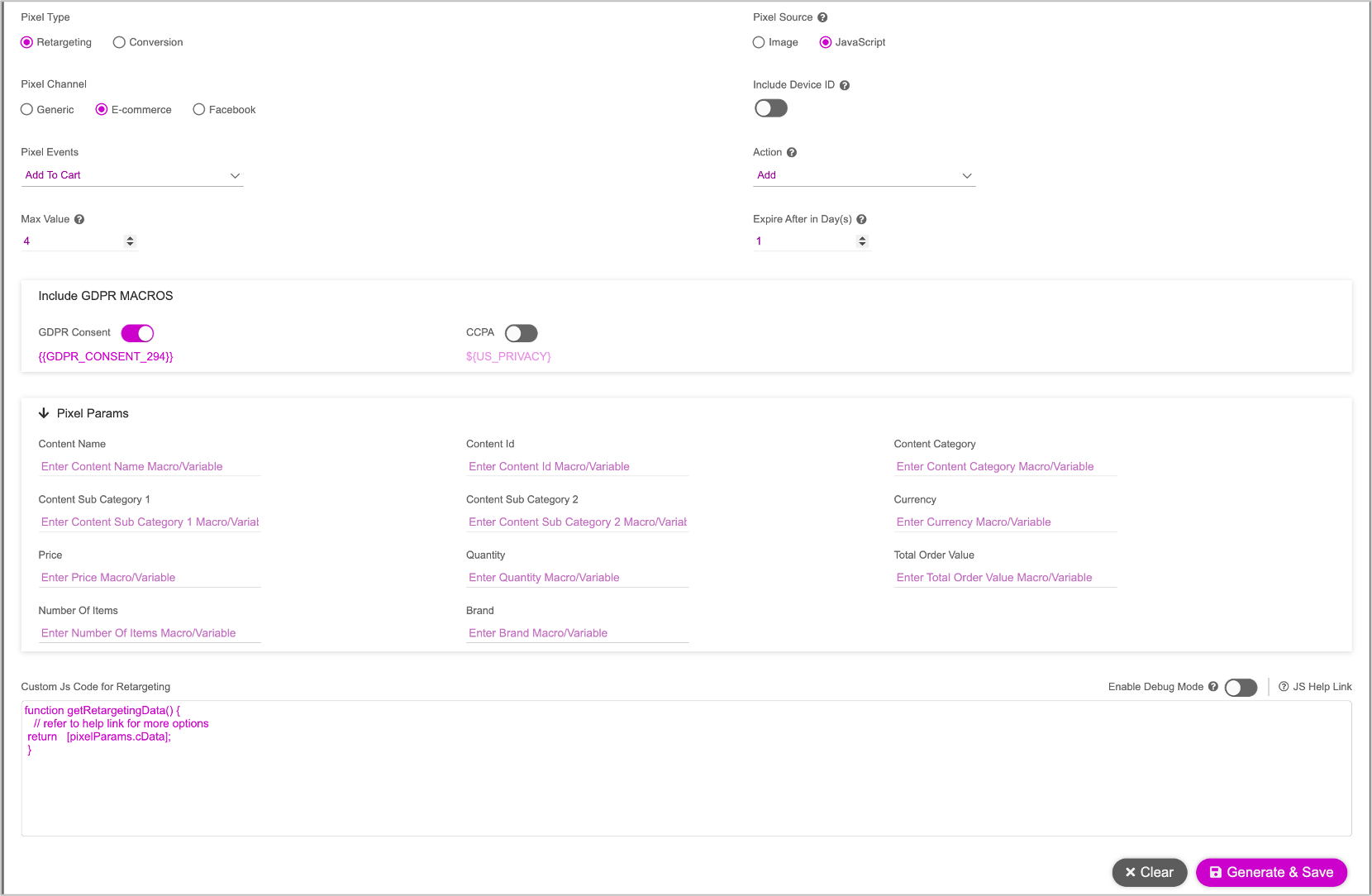
Follow the instructions for Generating Retargeting Pixels. We must provide the following details for one or more retargeting groups. This will determine the creative group that is to be displayed.
Property | Description |
|---|---|
Pixel Events | To track information for the brand’s e-commerce users, select one of the following options,
|
Max Values | Determines how many values to store in one group. In most cases, this is at most four values. |
Pixel Source | Choose one of the following:
|
Include Device ID | Enable toggle button to track user’s interaction and engagement on their mobile devices. |
Action | Select one of these options to determine how the data is handled in the pixel:
|
Pixel Params | Enter the following macros or variables, relevant to the Pixel event selected.
|
Once you've provided the above details, see Generating Retargeting Pixels and follow step 5 onwards to complete the pixel generation process.