About Jivox IQ
HOW TO CREATE DCO READY CREATIVE MASTERS
Getting Started
USING DYNAMIC CANVAS STUDIO
SETTING UP CAMPAIGNS
CAMPAIGN PREVIEWS AND APPROVAL
Generating Data Pixels
Setting Up a Facebook Campaign
SETTING UP A YOUTUBE CAMPAIGN
Reporting
ADVANCED
USING JIVOX AD STUDIO
SETTING UP A NATIVE CAMPAIGN
Working With QuickStart Packages
SHOPPABLE INTEGRATION
APPENDIX
GLOSSARY
Title
Message
Create new category
What is the title of your new category?
Edit page index title
What is the title of the page index?
Edit category
What is the new title of your category?
Edit link
What is the new title and URL of your link?
Third Party Trackers
Copy Markdown
Open in ChatGPT
Open in Claude
If you would like to apply 3rd party pixels on a placement level, leave the 'Include Creative Variant’ box unchecked. However if you would like to track on a creative variant level, tick the box so trackers will be applied to all creative variations. The following steps will apply to either strategy.
Click Download Template.

Open the file and paste any 3rd party trackers in the impression pixel column, Js column, click URL and click tag. Save the sheet.
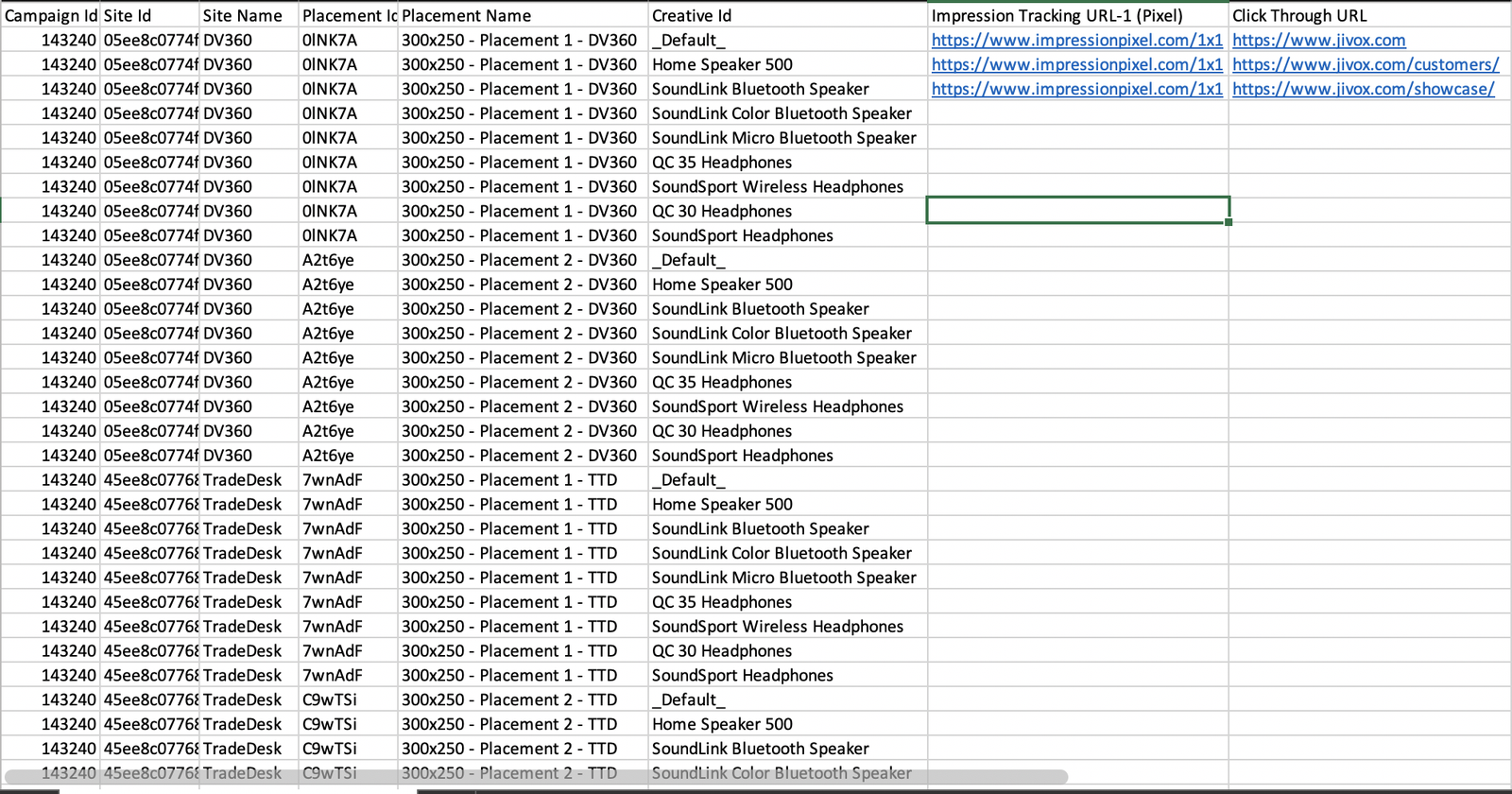
Click upload trackers and select the file that you saved above. Upload this into the platform and click Save.

Type to search, ESC to discard
Last updated on
Next to read:
Publisher and Placement ConfigurationDiscard Changes
Do you want to discard your current changes and overwrite with the template?
Archive Synced Block
Message
Create new Template
What is this template's title?
Delete Template
Message